[wpdreams_ajaxsearchlite]
Home » Remote Support Portal
Remote Support for Computers, Tablets, & Phones
Step #1: Download and click to run (no installation required)!
Note: If links don’t work, go here to download manually: Download Quick Assist for Acronis Cyber Protect Cloud
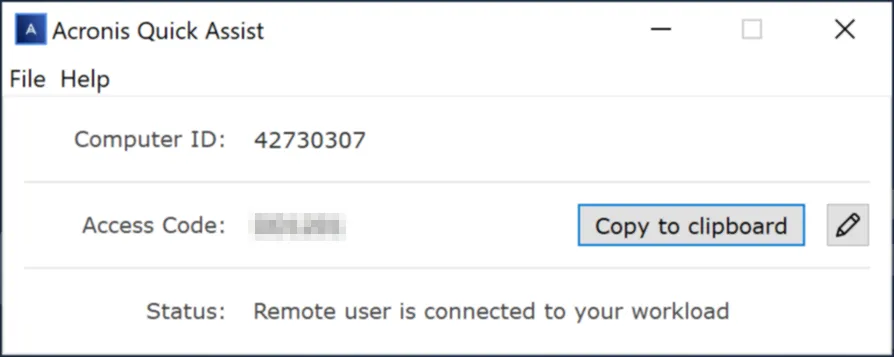
Step #2: When asked, give the computer ID and access code from the dialog box to the person connecting to your computer.
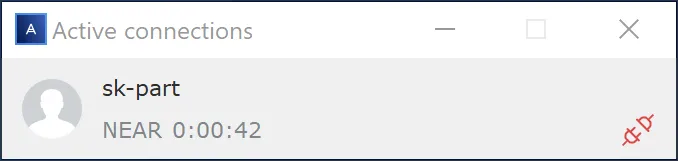
Step #3: Connected!
If you do not have an invitation code, please call us at 651-400-8567 for assistance.