
Email is one of the most important tools in daily life. Many seniors use email for:
That is also why email is one of the most common ways scammers try to trick people. You are not alone if you have ever wondered:
These are some of the most common online safety questions seniors ask. At EasyITGuys, we help seniors understand email security in a simple, clear way so they can feel safer, more confident, and less stressed.
Many scams begin with email. A fake email may try to get you to:
Some scam emails look very convincing. They may appear to come from:
That is why email security is so important.
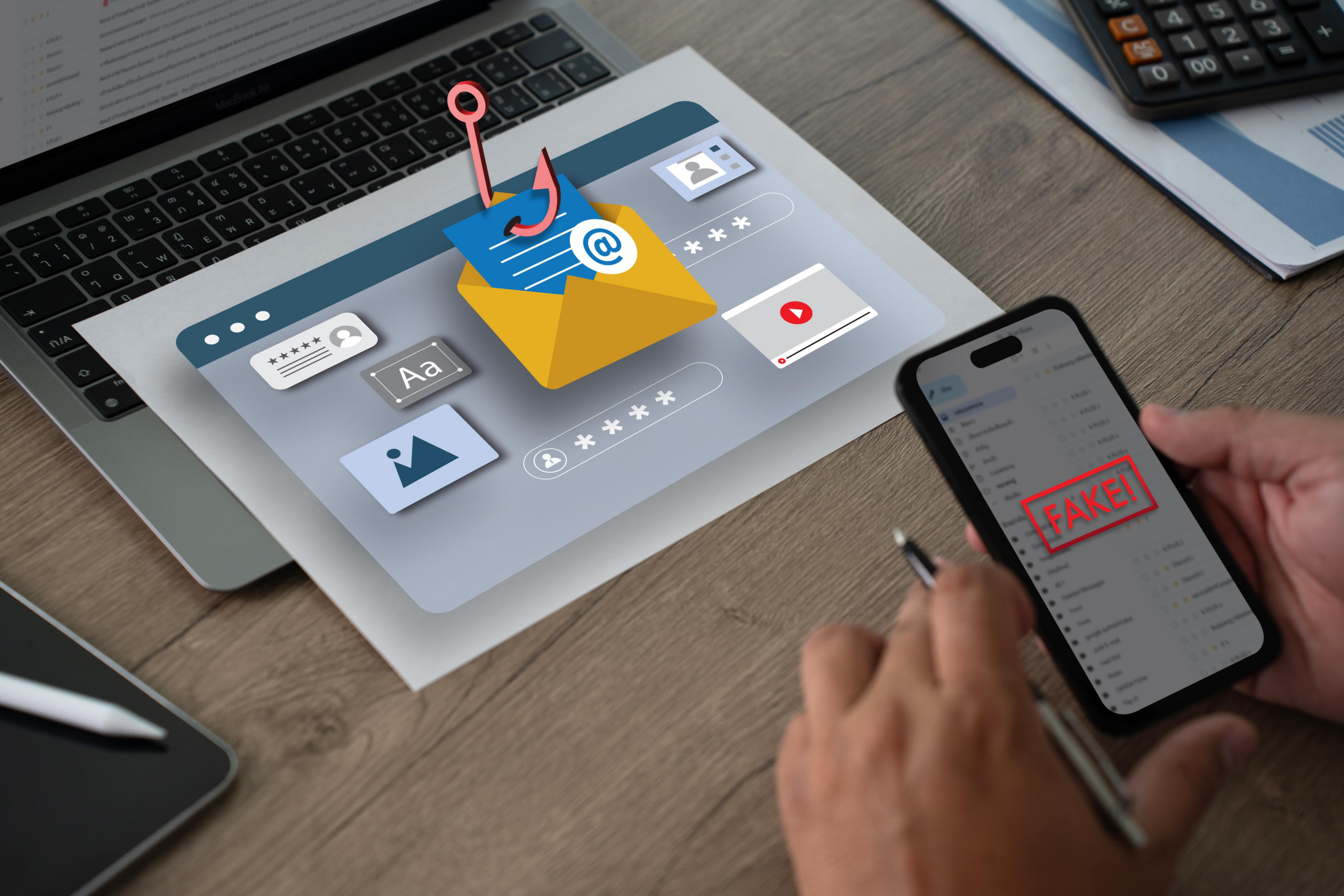
Phishing is when someone sends a fake email that looks real in order to trick you. The goal is usually to steal:
Phishing emails often try to create urgency. They may say things like:
These messages are designed to get you to act before you stop and think.
Seniors are often targeted by email scams that look ordinary at first.
These try to make you click a link and enter your password on a fake website.
These try to create panic about your account so you act quickly.
These may say there is a problem with an order, refund, or shipment.
These may claim your computer has a virus or your account has been compromised.
These often use fear, urgency, or confusion to get personal information.
Some scams try to impersonate someone you know and ask for help, money, or gift cards.
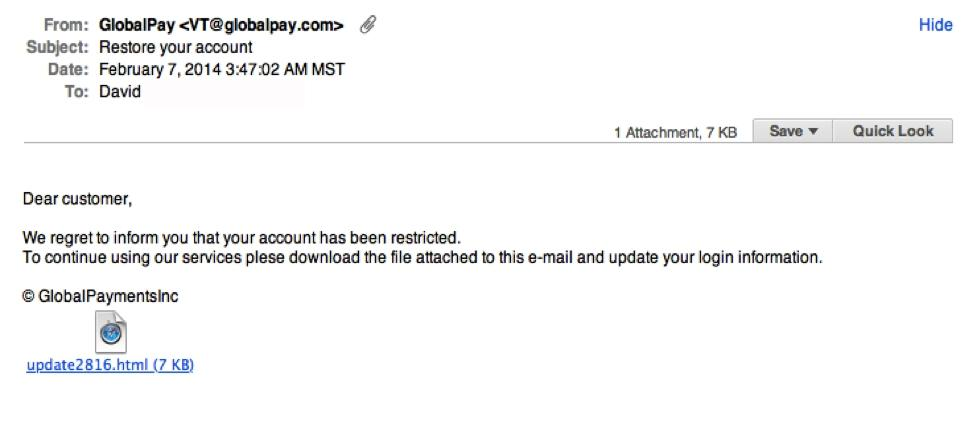
A suspicious email may not always look obvious. Some warning signs include:
It tries to make you act fast instead of think clearly.
Especially if the message is unexpected or the reason seems strange.
Legitimate companies usually do not ask for sensitive information this way.
The email address may look similar to a trusted company, but not exact.
Not all scam emails have bad grammar, but some do.
That matters. If something feels unusual, slow down.
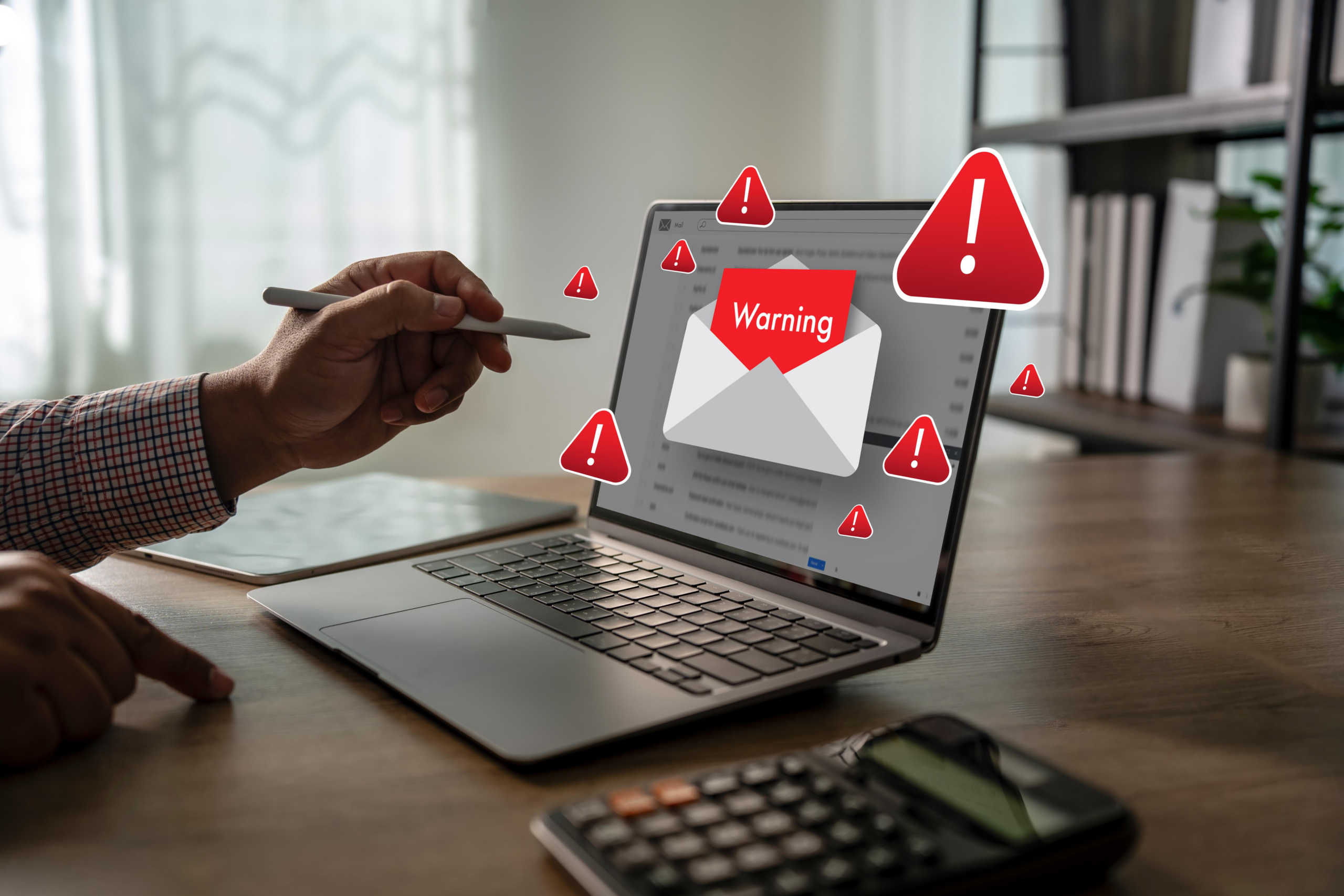
Before you click, pause. Ask yourself:
In many cases, the safest step is to avoid the link and go to the company’s real website on your own.
If you are unsure, do this:
Pause first.
Attachments can be dangerous too.
Do not use the email link. Type the website address yourself or use a saved bookmark.
Use the phone number or website you already know is real.
If you want a second opinion, that is smart.
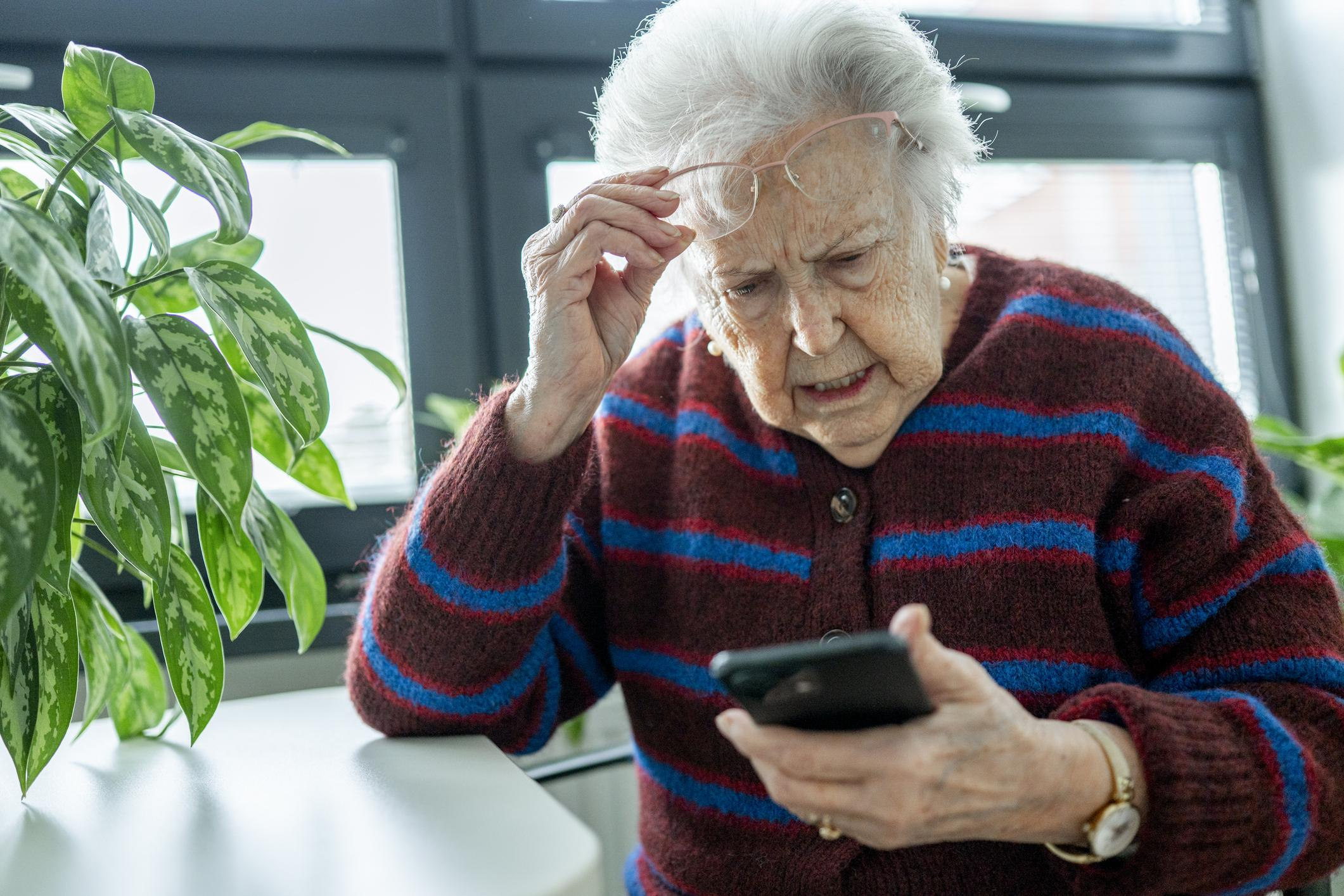
First, do not panic. Many people click before realizing something may be wrong. What matters most is what you do next.
Do not keep clicking.
Especially if it asks for personal information.
If you already entered them, take action right away.
Especially if the email led to a login page and you entered account information.
Look for strange logins, password changes, or alerts.
Getting support quickly can reduce risk and help you respond the right way.
This is not because seniors are careless.
It is because scam emails have become more convincing.
Many seniors are dealing with:
This is exactly why simple, trusted guidance matters.
Good email security help should not make people feel embarrassed or overwhelmed.
It should:
At EasyITGuys, we believe email safety should be practical and easy to understand.
We help seniors with email security in ways that are simple and useful.
If an email looks suspicious, we help you slow down and assess it.
We help you understand what to click, what not to click, and what to verify first.
Many fake emails involve password resets or login alerts. We help you tell the difference.
We help seniors understand safer sign-in habits and stronger protection for important accounts.
If email feels stressful, you do not need to sort it out alone every time.

Email security is one of the biggest parts of personal cybersecurity.
Why? Because email often connects to:
If email is not secure, other accounts become more vulnerable too. That is why email security for seniors is not just about spam. It is about protecting your digital life.
This page is built to help seniors and families searching for things like:
Look for urgency, strange requests, suspicious links, unexpected attachments, or an email address that looks close but not quite right. If unsure, do not click.
Phishing is a fake email designed to look real so it can trick you into giving away passwords, money, or personal information.
Sometimes, but not always. If the email is unexpected or feels suspicious, it is safer to go directly to the real website instead.
Stop interacting with it, close the page, avoid entering information, and get help if needed. If you entered a password, change it as soon as possible.
No. Some are real. Some are scams. If you did not request the reset, be very cautious.
Yes. We help seniors understand suspicious emails, reduce risk, and respond more safely.
Email is useful, but it is also one of the most common ways scammers try to reach people. That does not mean you need to be afraid of email. It means you need simple habits, trusted guidance, and a place to turn when something feels off.
If you want help with:
EasyITGuys is here to help.

EasyITGuys helps seniors understand email security, reduce risk, and stay safer online.
Reach out if something feels suspicious or you need help today.
Ask questions, get comfortable, and see how we can help.
Learn more about our full approach to cybersecurity for seniors
See how EasyITGuys helps seniors with tech support and cybersecurity