
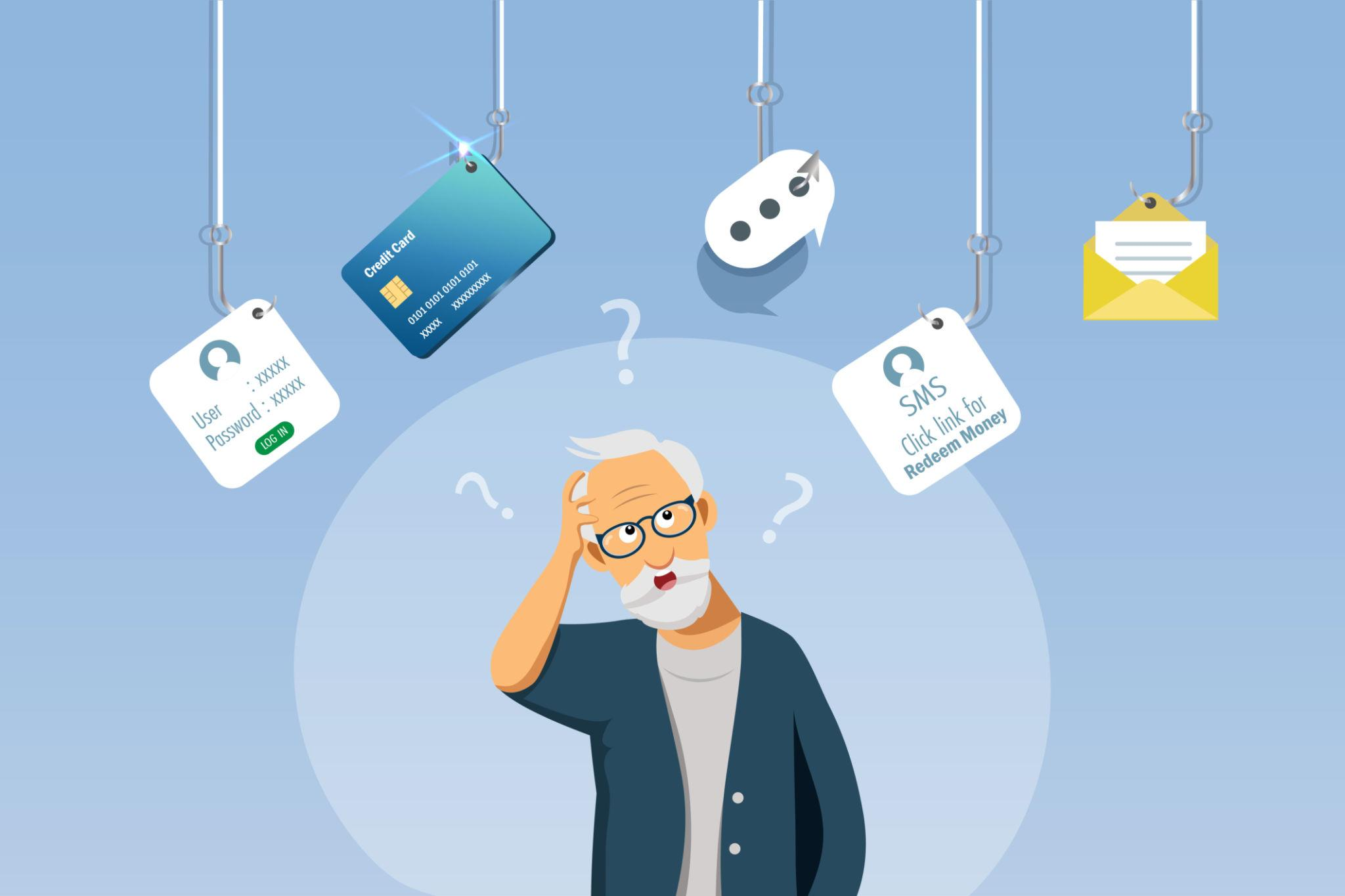
One of the most common questions seniors ask is:
👉 “Is this email a scam?”
It happens every day. You may receive emails that:
Some emails are real. Some are not. And many are designed to look just real enough to trick you. That is why having help matters.
Scam emails are one of the most common ways criminals try to reach people. They are used because:
Seniors are often targeted because scammers believe:
These emails are designed to create pressure and confusion.

These say your account needs to be reset, even if you did not request it.
Messages that say there is suspicious activity or a login attempt.
Emails that say you owe money or need to review a charge.
Messages about missed deliveries or shipping issues.
Emails claiming your device has a virus or problem.
Messages about account issues, failed payments, or unusual activity.
These may ask for help, money, or gift cards.
Scam emails often share common warning signs.
It tries to make you act quickly without thinking.
Especially when the reason feels unexpected.
Legitimate companies rarely ask for this through email.
It may look similar to a real company, but not exact.
Even if it looks real, something may feel off. Trust that instinct.

This one step prevents most problems. Instead:
Do not react right away.
Even if the email looks real.
Check:
Go directly to the company’s real website or contact them using a trusted number.
If you are unsure, getting a second opinion is a smart step.
Many people click before realizing something may be wrong. That does not mean something bad will happen. What matters is what you do next.
Do not keep clicking.
Especially if it asks for personal information.
If you already entered them, take action right away.
Especially for important accounts.
Look for unusual activity.
You do not need to figure this out alone.
Scam emails have improved. They may now:
Some scams are very convincing. That is why simple rules and trusted help matter more than ever.
We help seniors in real situations, not just general advice.
If something looks off, we help you slow down and assess it.
We help you understand how to recognize common patterns.
We guide you through safer ways to check messages.
If you clicked or are unsure, we help you take the right next steps.
You have someone to contact whenever something feels suspicious.
Seniors want:
Scam emails are stressful. The right support makes them easier to handle.
This page is designed for seniors and families searching for:
Look for urgency, unexpected requests, suspicious links, or messages that do not feel right. When unsure, do not click.
Do not click links or open attachments. Go directly to the company’s website instead.
No. Some are real. Some are fake. If you did not request it, be cautious.
Stop interacting with it, close the page, avoid entering information, and change your password if needed.
Yes. After you confirm they are scams, it is safe to delete them.
Yes. We help seniors review suspicious emails and decide what to do next.
Scam emails are common. They are designed to:
You are not expected to catch every scam. You just need:
That is how you stay safe.
EasyITGuys helps seniors understand suspicious emails and avoid costly mistakes.
Get help before you click.
Ask questions and learn how to stay safer online.
Learn more about our full approach to cybersecurity for seniors
See how EasyITGuys helps seniors with tech support and cybersecurity