
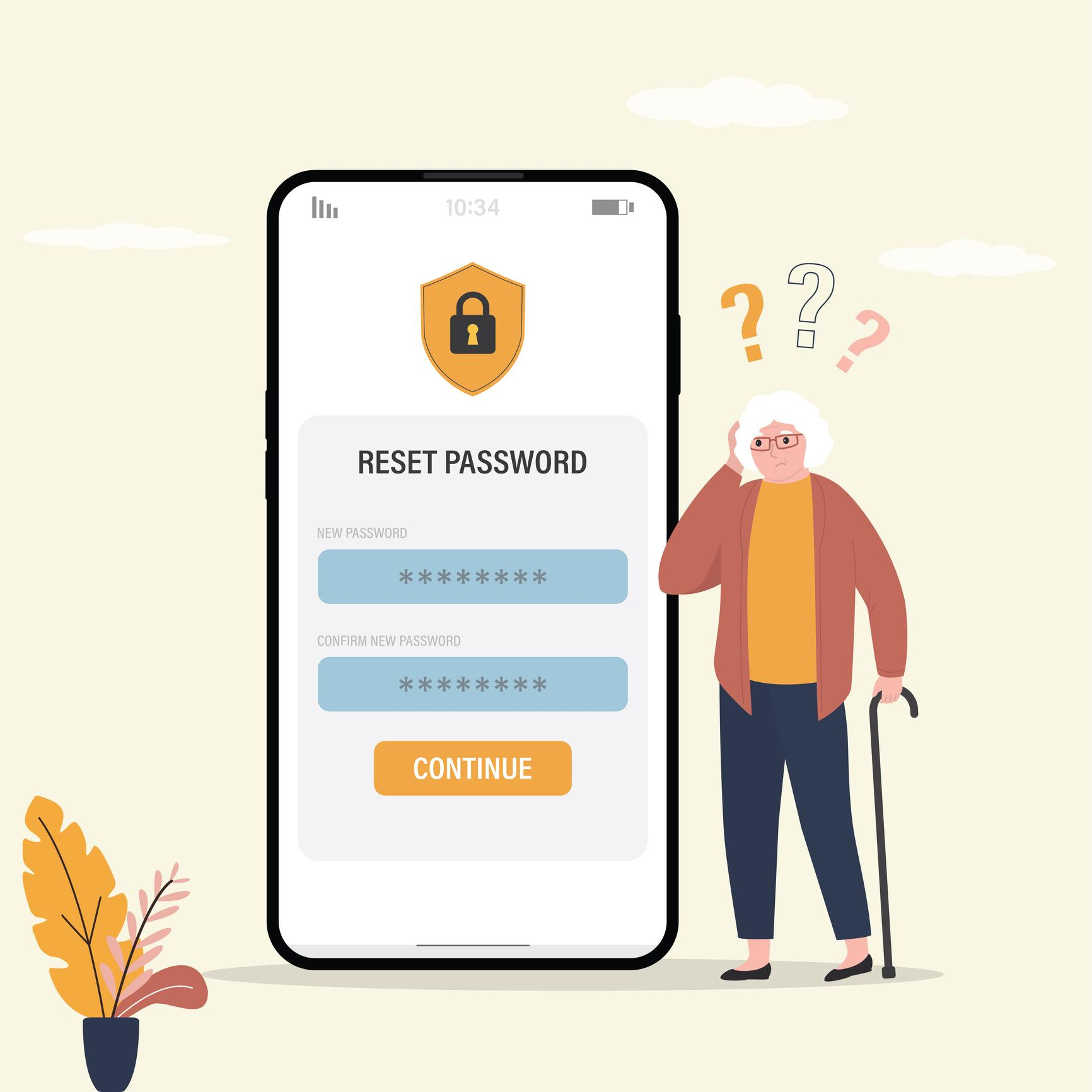
Passwords can be frustrating. Many seniors deal with:
You are not alone. Today, passwords protect some of the most important parts of your life:
That is why password help is no longer just a convenience. It is part of staying safe online.
At EasyITGuys, we help seniors make passwords easier to manage, safer to use, and less stressful to deal with.
Most seniors did not grow up with dozens of online accounts. Now, many people need passwords for:
That adds up quickly. It is common to feel overwhelmed when:
This is one of the biggest reasons seniors search for help.

Many seniors reach out because of real-life issues like these:
This is one of the most common reasons people get locked out of important accounts.
That may feel easier, but it creates more risk if one account is ever exposed.
This happens often, especially when there are many accounts to manage.
Some of these are real. Some are scams. That can be hard to tell.
Too many login attempts, outdated saved passwords, or device confusion can all cause this.
Sometimes a phone, tablet, browser, and computer all save different versions.

Passwords protect access to the parts of your digital life that matter most. That includes:
If a password is weak, reused, or stolen, it can lead to:
That is why strong password habits matter.
Password safety should not feel complicated. Good password help should be:
At EasyITGuys, we believe seniors deserve password help that feels calm, practical, and easy to follow.
Here are some of the most important steps seniors can take.
Especially for:
If one password gets exposed, the others stay safer.
Avoid using:
These are often easier for attackers to guess.
Never assume a password reset email is real.
If you did not request it:
Many accounts let you add an extra step, such as a code sent to your phone or email. This helps protect you even if someone learns your password.
Make sure your recovery email and phone number are up to date so you can regain access if needed.
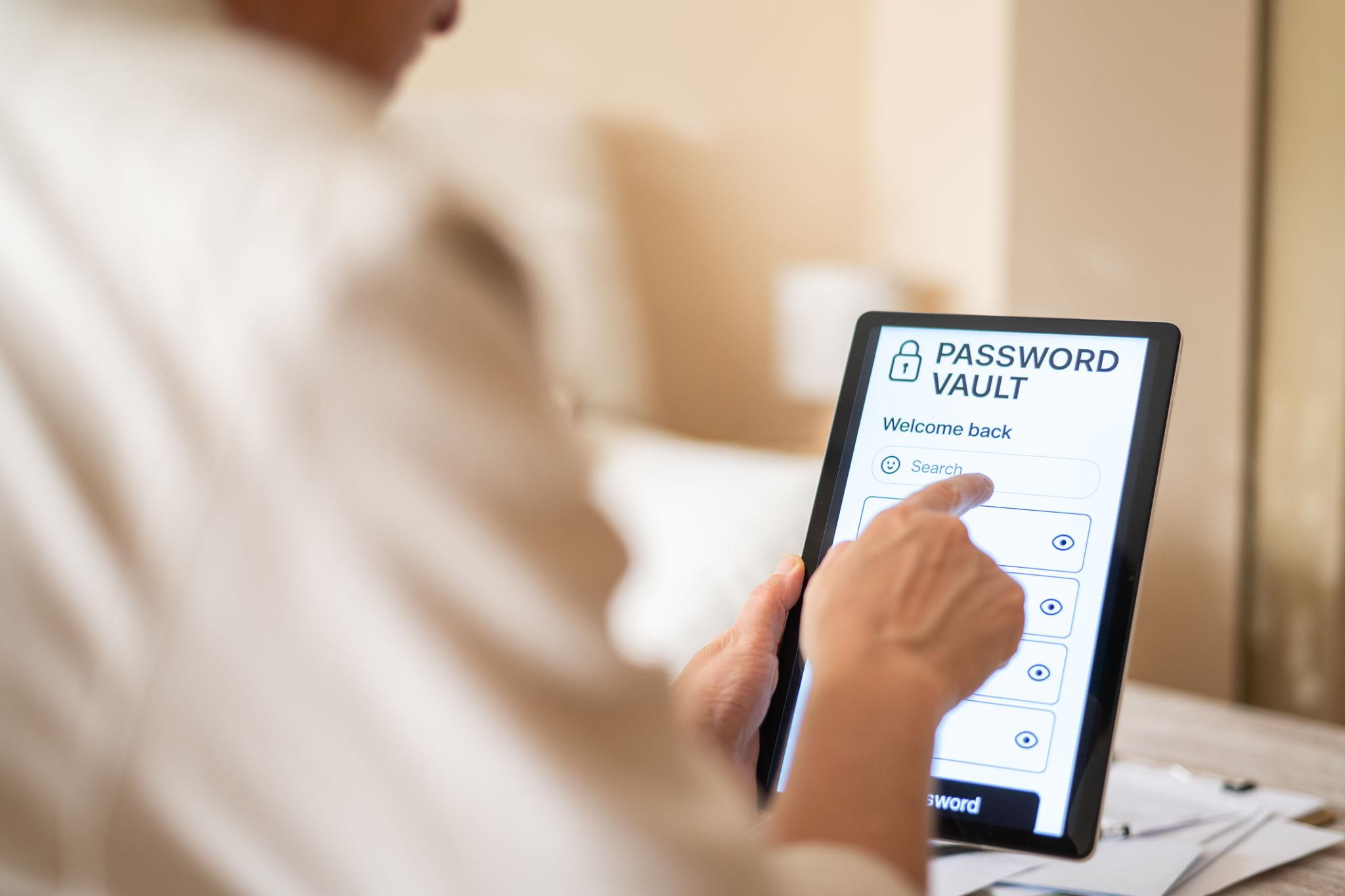
A password manager is a tool that helps store and organize passwords more safely.
It can help seniors by:
For many seniors, a password manager can make life much easier.
But it is important to set it up correctly and understand how it works.
That is where trusted help matters.
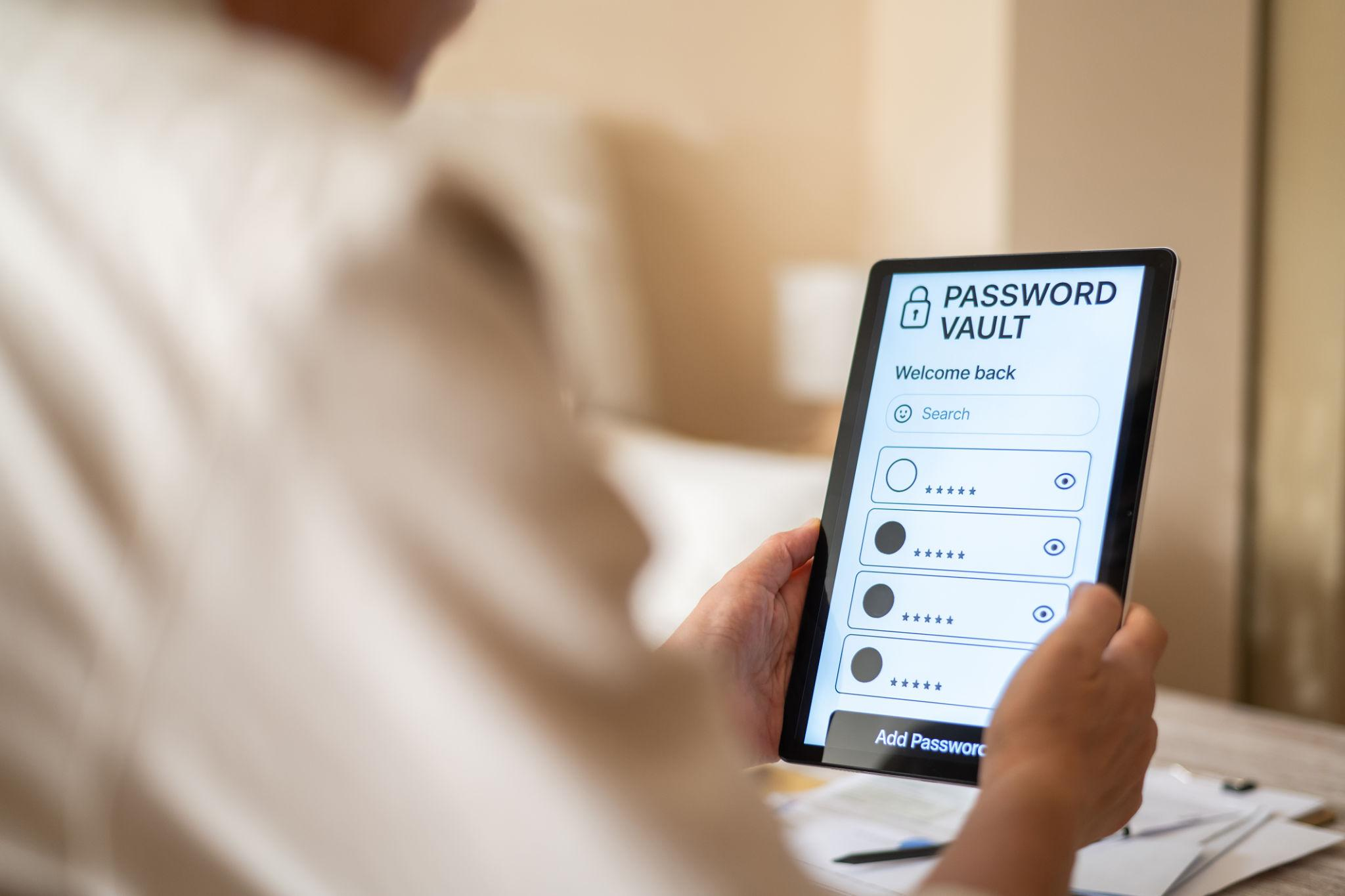
For many seniors, yes.
A password manager can be a very good option when:
A good setup can make things simpler.
A bad setup can create more confusion.
That is why seniors often want one-on-one help setting it up the right way.
A senior may need password help if they:
Passwords are one of the most important parts of personal cybersecurity.
That is why password help should also include:
This is especially important for seniors because password problems are often connected to bigger risks like:
We help seniors with practical password support such as:
We help make your accounts easier to manage and less confusing.
We help you safely reset passwords when you are locked out or unsure what to do next.
We help you understand whether an email is real or potentially a scam.
We help seniors understand and set up password tools in a way that feels simple and manageable.
We help sort out what device, browser, or saved password may be causing the issue.
If passwords and online accounts feel stressful, you do not need to keep figuring them out alone.
Seniors often want more than a quick fix.
They want:
That is what makes password help different when it is done right. It is not just about signing in. It is about helping you feel safer, more confident, and less overwhelmed.

This page is built to help seniors and families searching for things like:
The best approach is one that is simple, safe, and easy to maintain. For many seniors, that means using stronger passwords for important accounts and getting help setting up a password manager correctly.
No. Using the same password for many accounts creates more risk. If one account is exposed, others may become easier to access.
Go directly to the real website and use the official reset process. Do not click password reset links from unexpected emails unless you are sure they are real.
No. Some are legitimate. Some are scams. If you did not request the reset, slow down and verify before clicking anything.
Yes. We can help seniors understand password managers, decide whether one makes sense, and set it up in a simple way.
You are not alone. Password problems are very common. Good support should make this easier, not more stressful.
Passwords can feel frustrating, confusing, and sometimes even scary.
That does not mean you are doing something wrong.
It means technology has become more complicated, and you deserve help that makes it easier.
If you want help with:
EasyITGuys is here to help.

EasyITGuys helps seniors with password support, account access, scam awareness, and personal cybersecurity.
Connect with us if you need help today.
Ask questions, get comfortable, and see how we can help.
Learn more about our full approach to cybersecurity for seniors
See how EasyITGuys helps seniors with tech support and cybersecurity