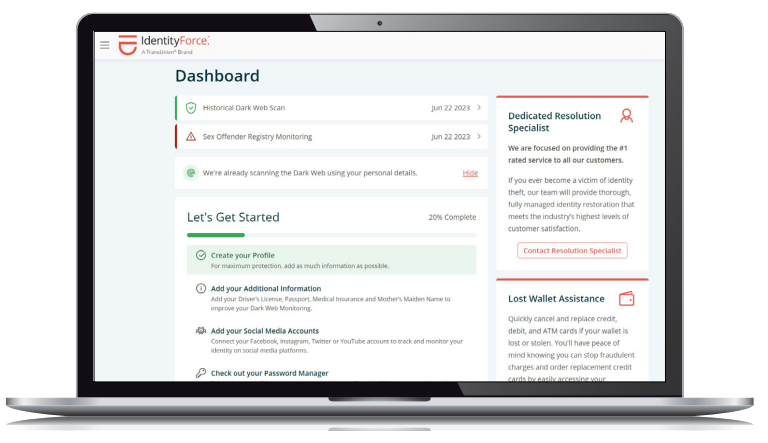
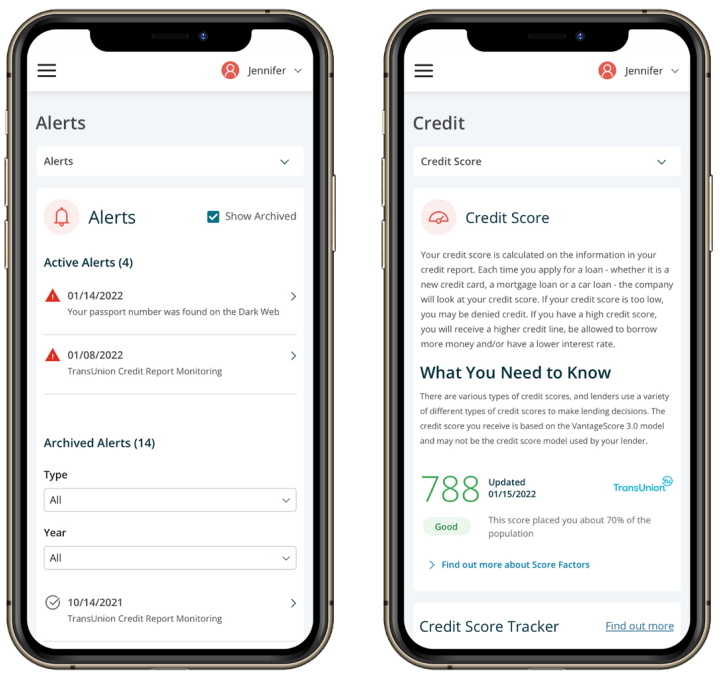
Just a few simple steps and you’ll have comprehensive identity management and fraud protection from IdentityForce, a TransUnion brand. Congratulations. You’re ready to enjoy the benefits —and peace of mind — that IdentityForce provides. IdentityForce is comprehensive identity security at your fingertips. This easy-to-use portal will help you:



Monitor | Continuous monitoring of your identity, privacy and credit by using innovative and proactive identity theft protection technology. We detect illegal selling of your personal, financial and credit information, providing robust monitoring required in today’s connected world.
Alert | IdentityForce provides an early warning that your personal information is at risk. Our alerts are sent to your smartphone, tablet or computer, so you have the power to act before damage is done.
Control | When you want total identity control, count on IdentityForce. Understand your credit score and where or how your online information is being used. Protect your keystrokes, PIN numbers and credit card information.
Recover | Resolution Specialists offer comprehensive recovery services. We’ll complete paperwork, make calls and handle every detail to restore your identity. And, you’re covered by our nationwide $1 million to $2 million identity theft insurance policy. The amount of your insurance coverage varies depending on your specific IdentityForce membership plan.
You’ll receive an email from the IdentityForce team. Just click on the “Create Your Online Account” button to register and access valuable educational resources and our comprehensive set of products.
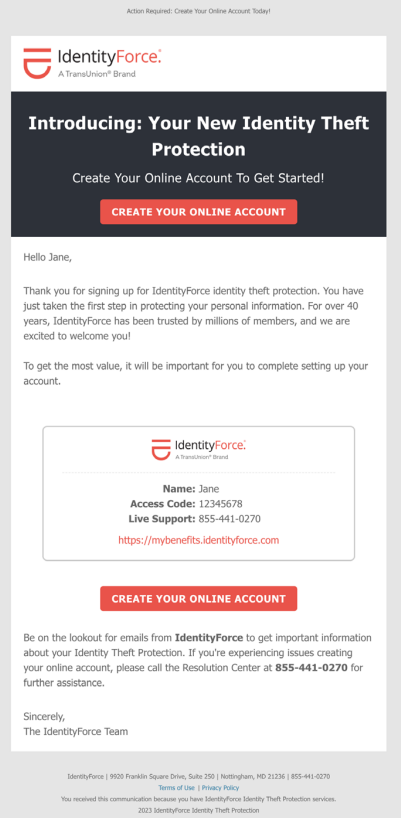
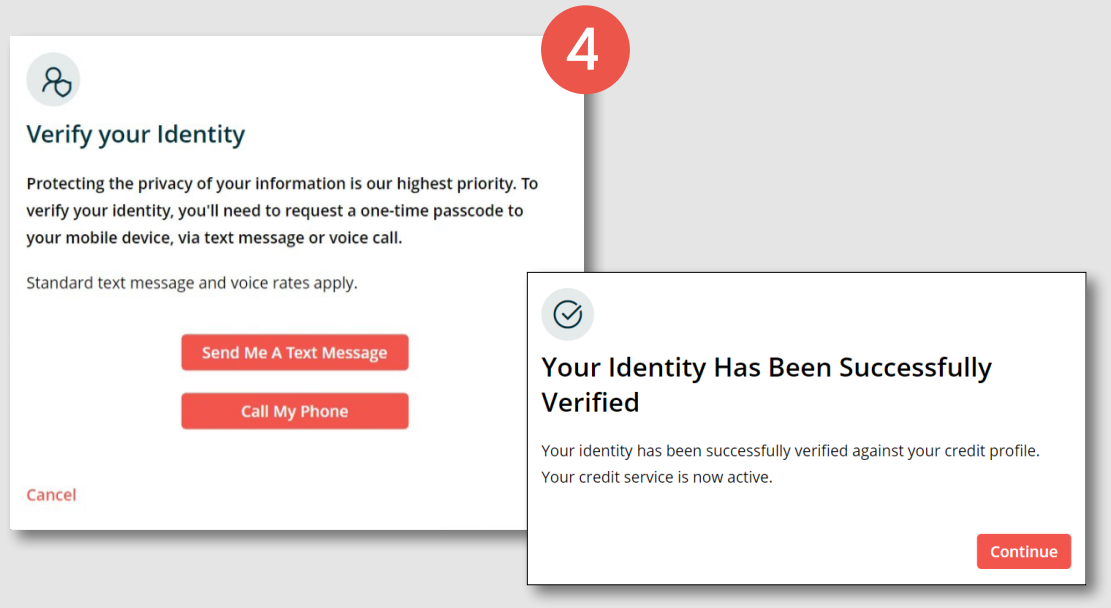
You’ll be asked to add in your contact information and agree to the Terms & Conditions:
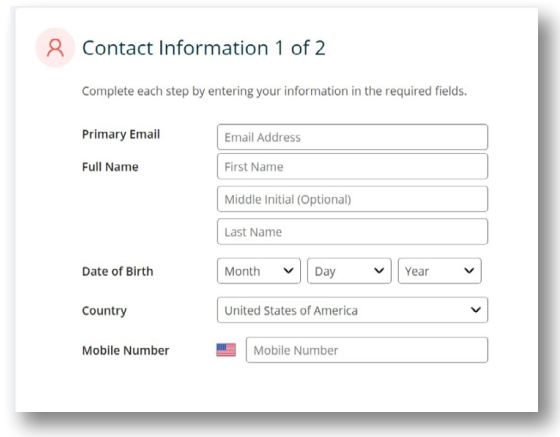
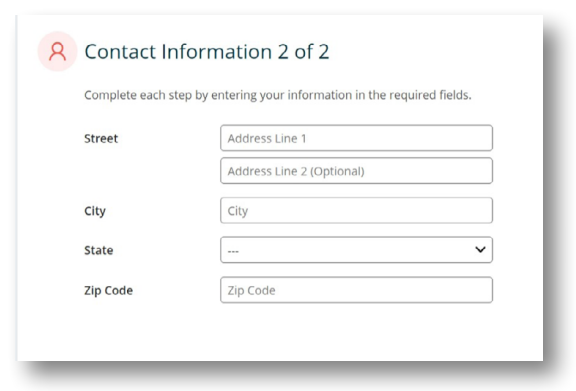
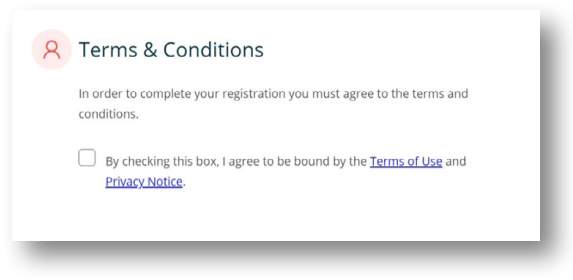
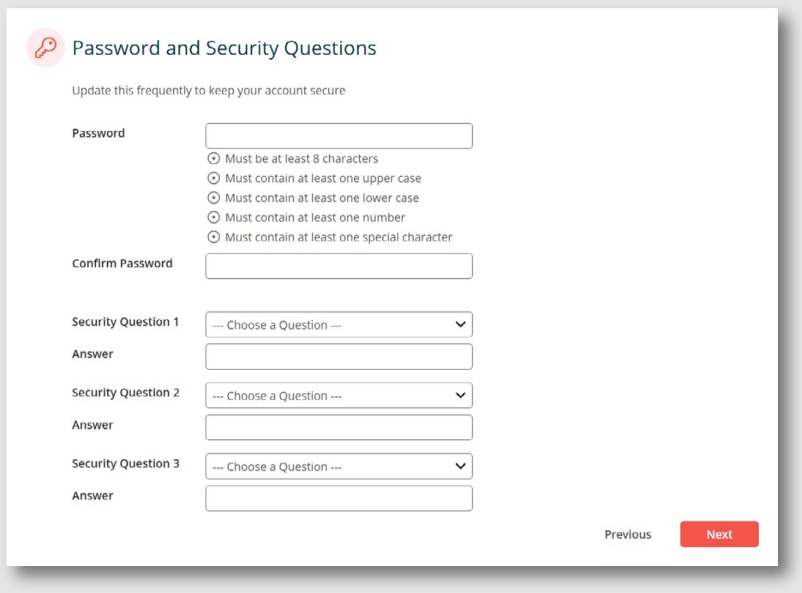
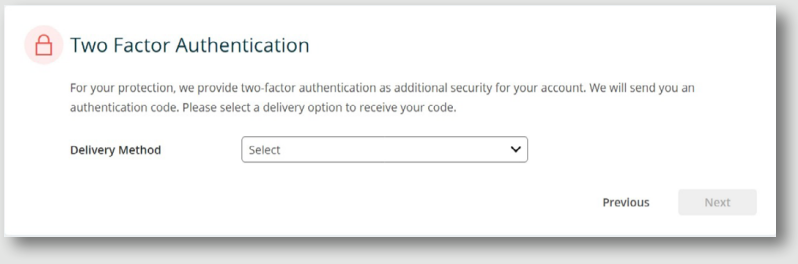

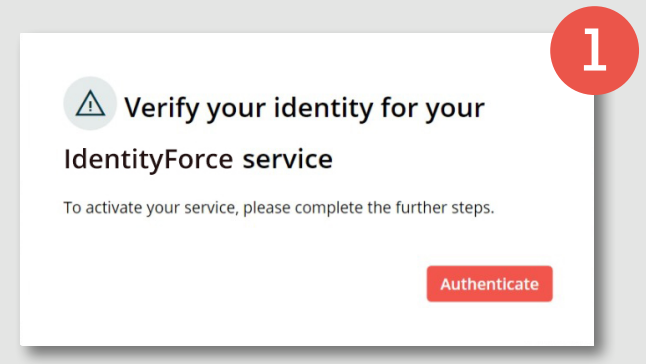
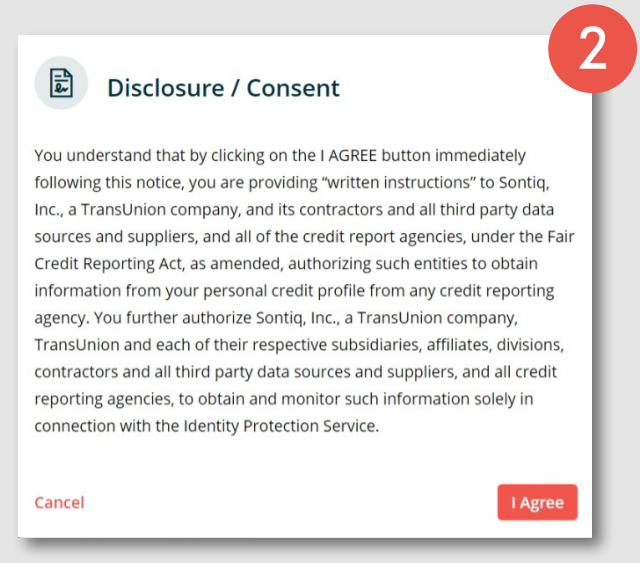
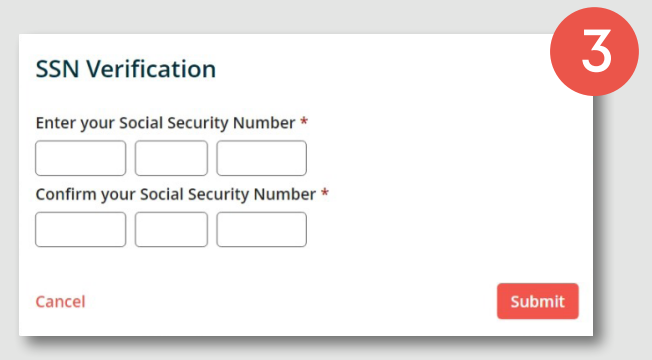
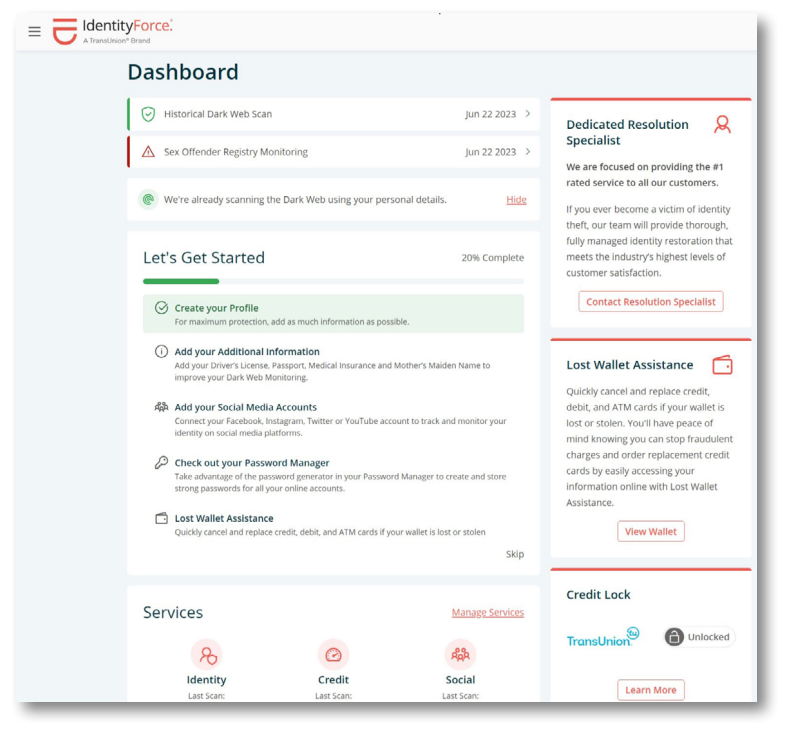
Once in your IdentityForce account, follow our quick start guide to begin adding in your additional information, financial accounts and social media accounts. You will also have one-click access to a dedicated resolution specialist and the ability to set up Lost Wallet Assistance:
In your Identity Vault, you can add in additional personal information, your address and other information you would like monitored, access to secure storage for images and documents and our Password Manager:

Access IdentityForce — anywhere, anytime — on your PC, smartphone or tablet with our MySontiq mobile application available for both Apple and Android devices(*2). In addition to valuable tools and information, you’ll have immediate access to our Resolution Center Support Team.
(*2) Depending on your specific IdentityForce membership plan, inclusion of the mobile app or availability by platform may vary.