What is PreVeil Express? #

PreVeil Express (PVX) is a FREE web application that allows for the creation and usage of a PVX account. Setup time is around 5 minutes and is 100% web based (no software installation needed!).

In order to securely access sensitive messages or files from another PreVeil user (often a regulatory/compliance requirement), a PreVeil account. A PVX and a full PreVeil account differ in that a PVX account is used solely on a web browser and is intended for light use of the PreVeil system while a full PreVeil account requires client software installation and carries a range of features.

PreVeil Express account log in uses multi-factor authentication in form of a password and SMS verification code. A PreVeil Express account’s private key is encrypted by the password and PreVeil does not store, nor does it have access to passwords. For this reason, PreVeil Support is unable reset or recover a password. Similarly, the mobile phone number for MFA cannot be changed.
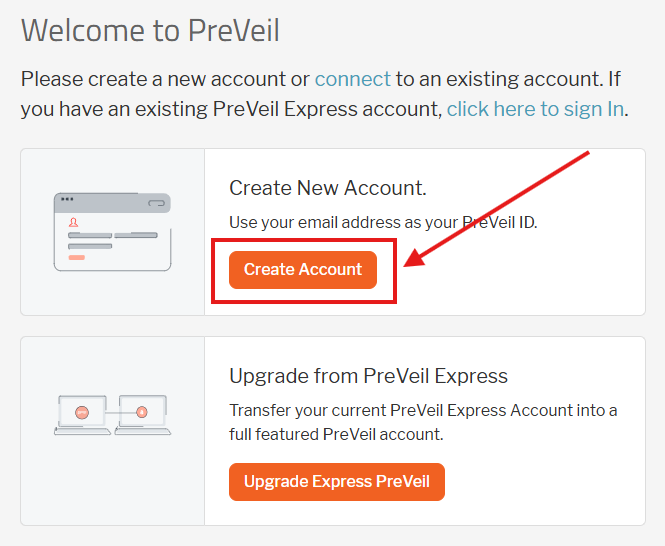
Create an account #

  1. A PreVeil Express account is formed by opening a web browser and going to https://web.preveil.com/create-accountimage 2
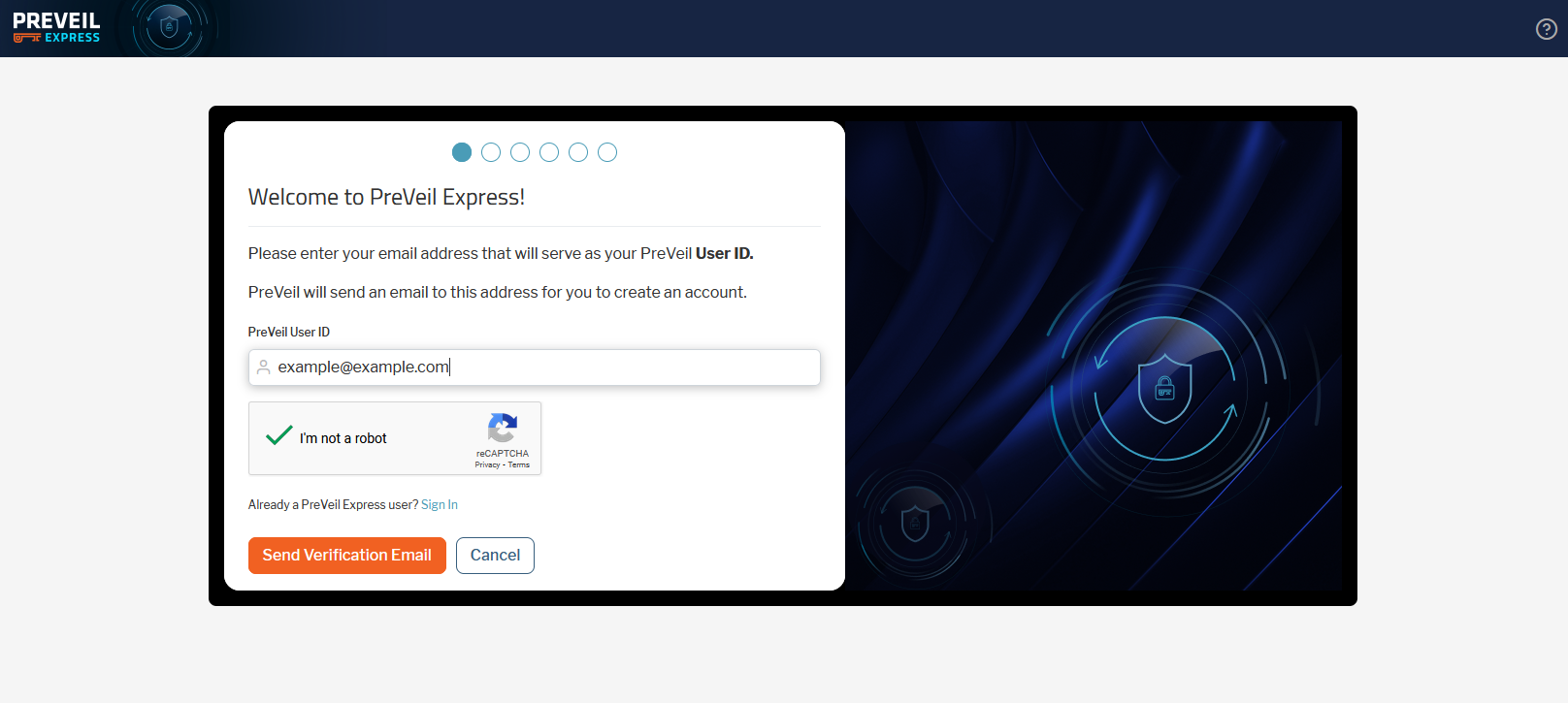
  2. Enter your regular email address as your PreVeil User ID.image 3
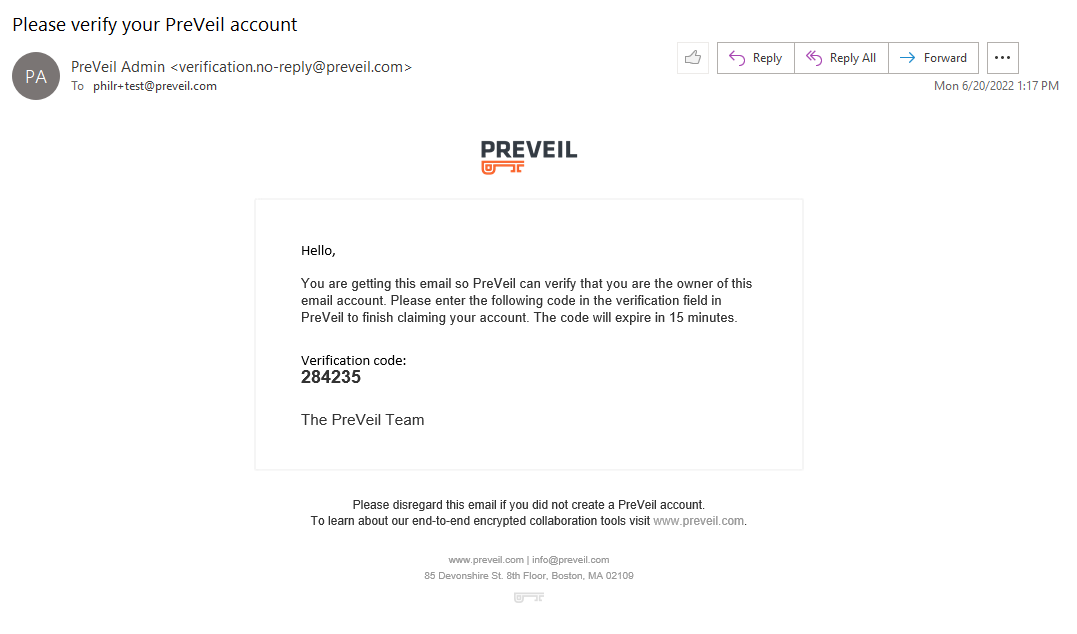
  3. An automated email from verification.no-reply@preveil.com with a six-digit code will be sent to you email inbox.image 5
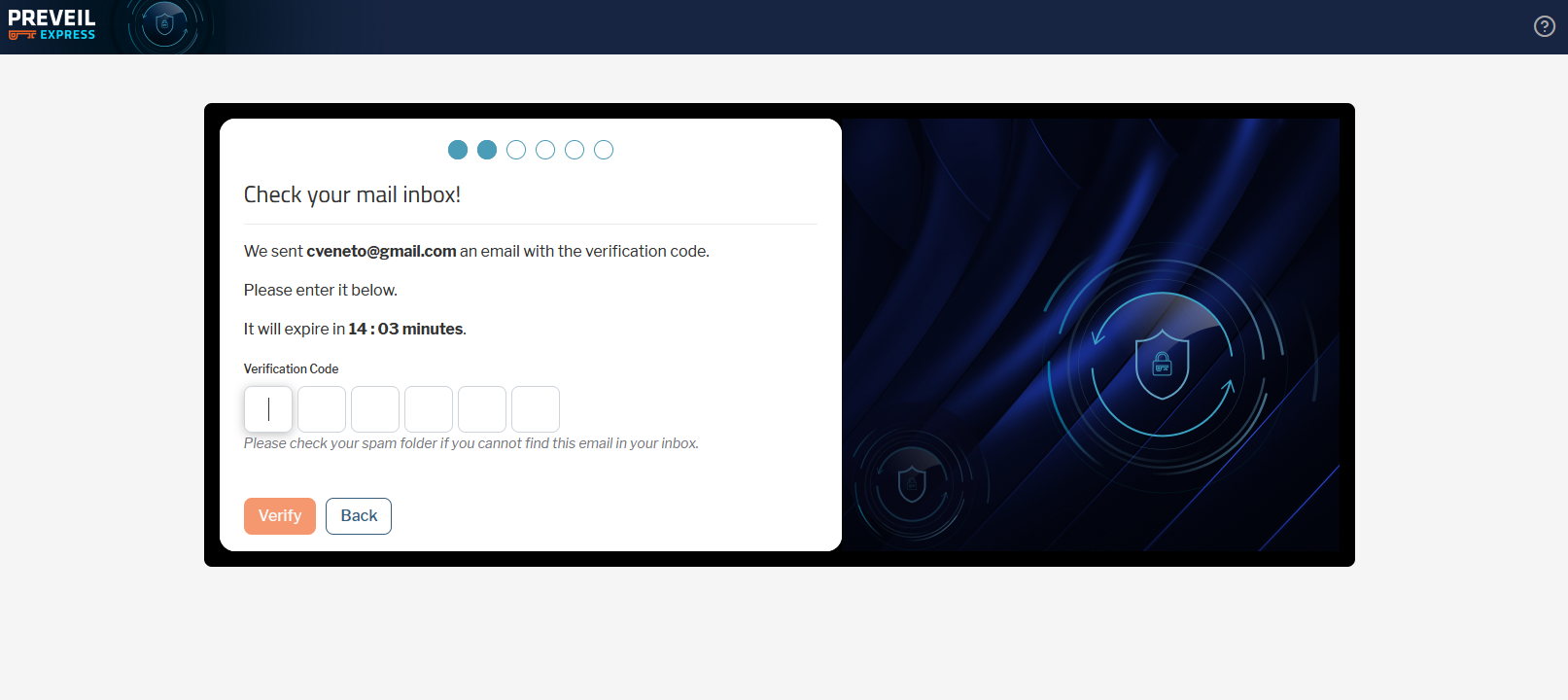
  4. Enter the code in the verification code field and continue.image 6
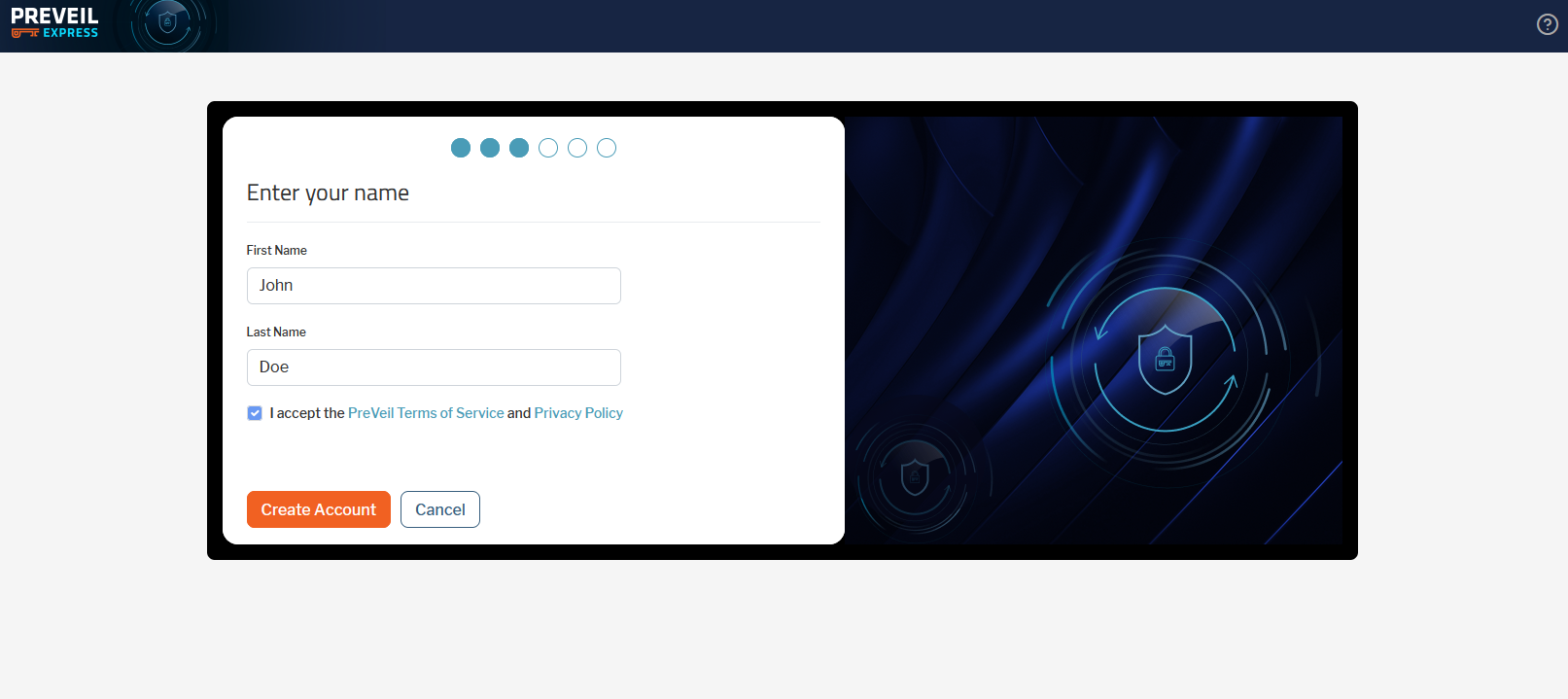
  5. Enter your first and last name and agree to the terms of use.image 7
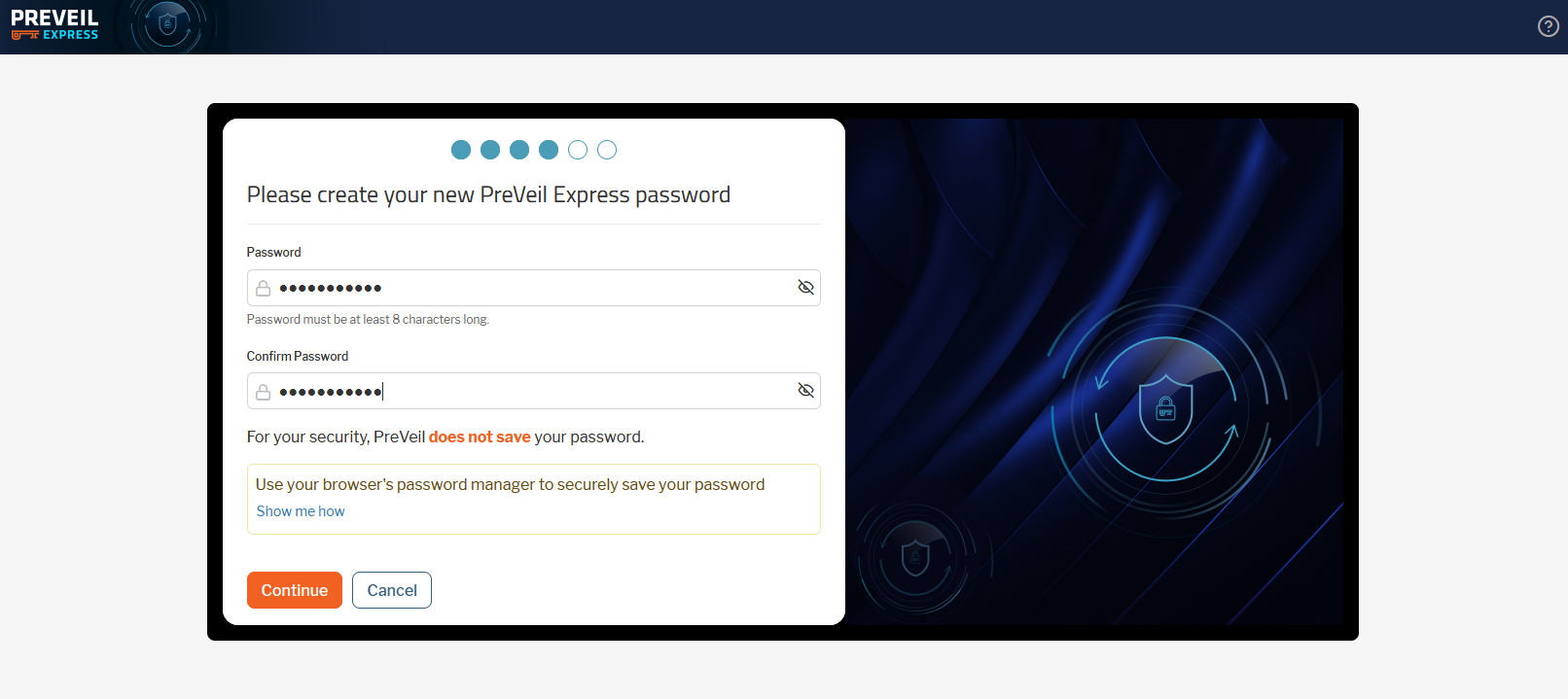
  6. Set a password. The password must be at least eight characters long and have at least one number and one capital letter. Please keep your password in a safe place. PreVeil does not store, and cannot recover your password.image 8
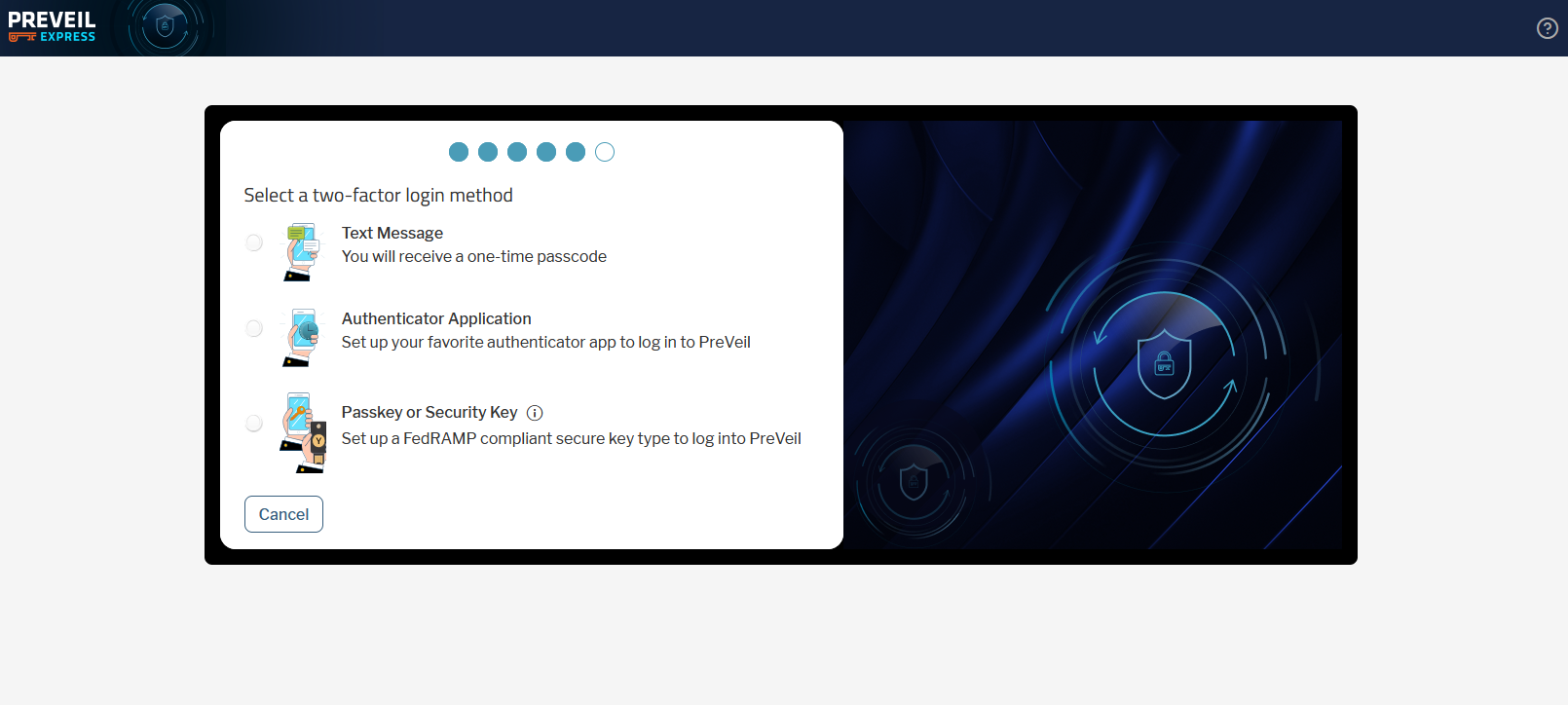
  7. Select a multi-factor authentication method to be used as part of the login process to your PreVeil Express account. You can choose:
    1. An SMS message sent to your mobile phone. Normal text and data messaging rates apply.
    2. Using an authenticator app that supports TOTP (Time-based One-Time Password) as the authentication method.
    3. A physical Passkey or Security Keyimage 9
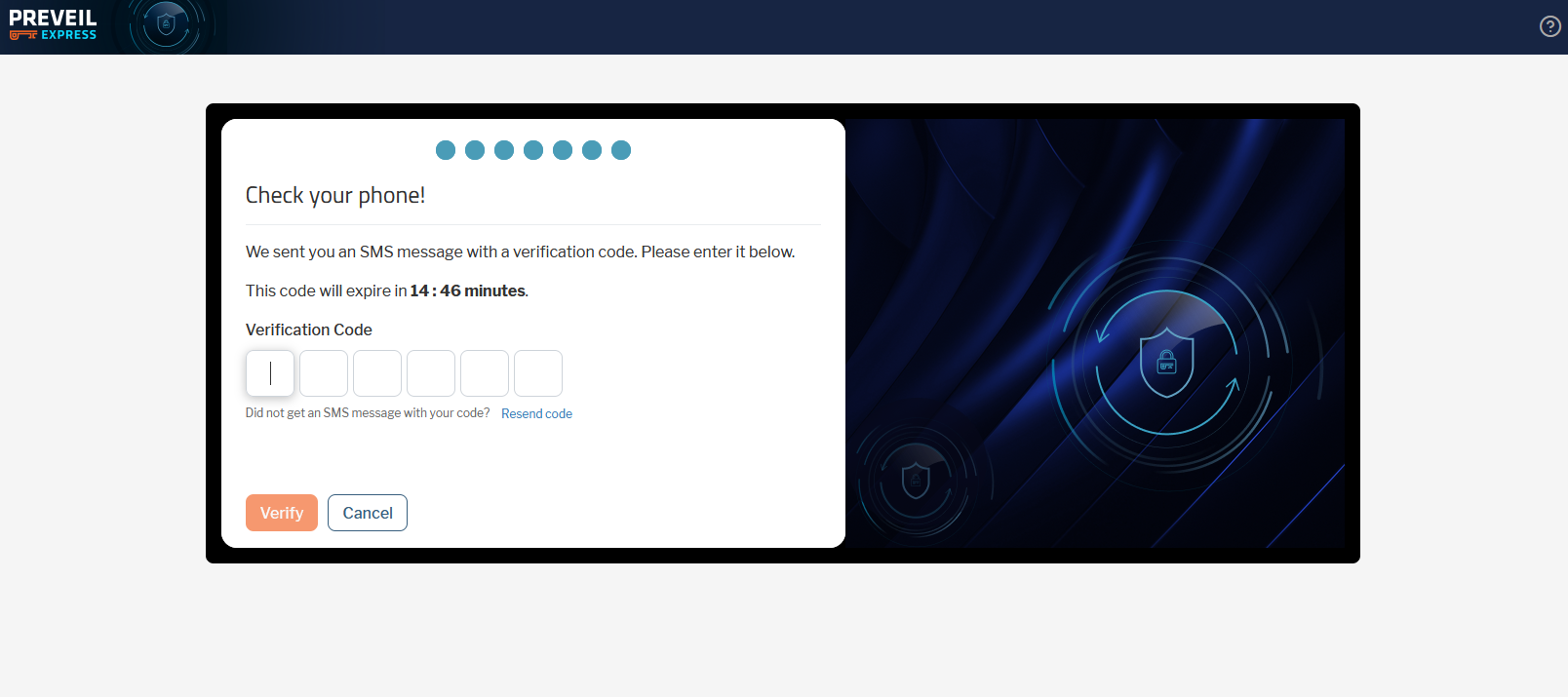
  8. Verify your account by whatever method you selected above. For this example an SMS MFA method was selected.image 10
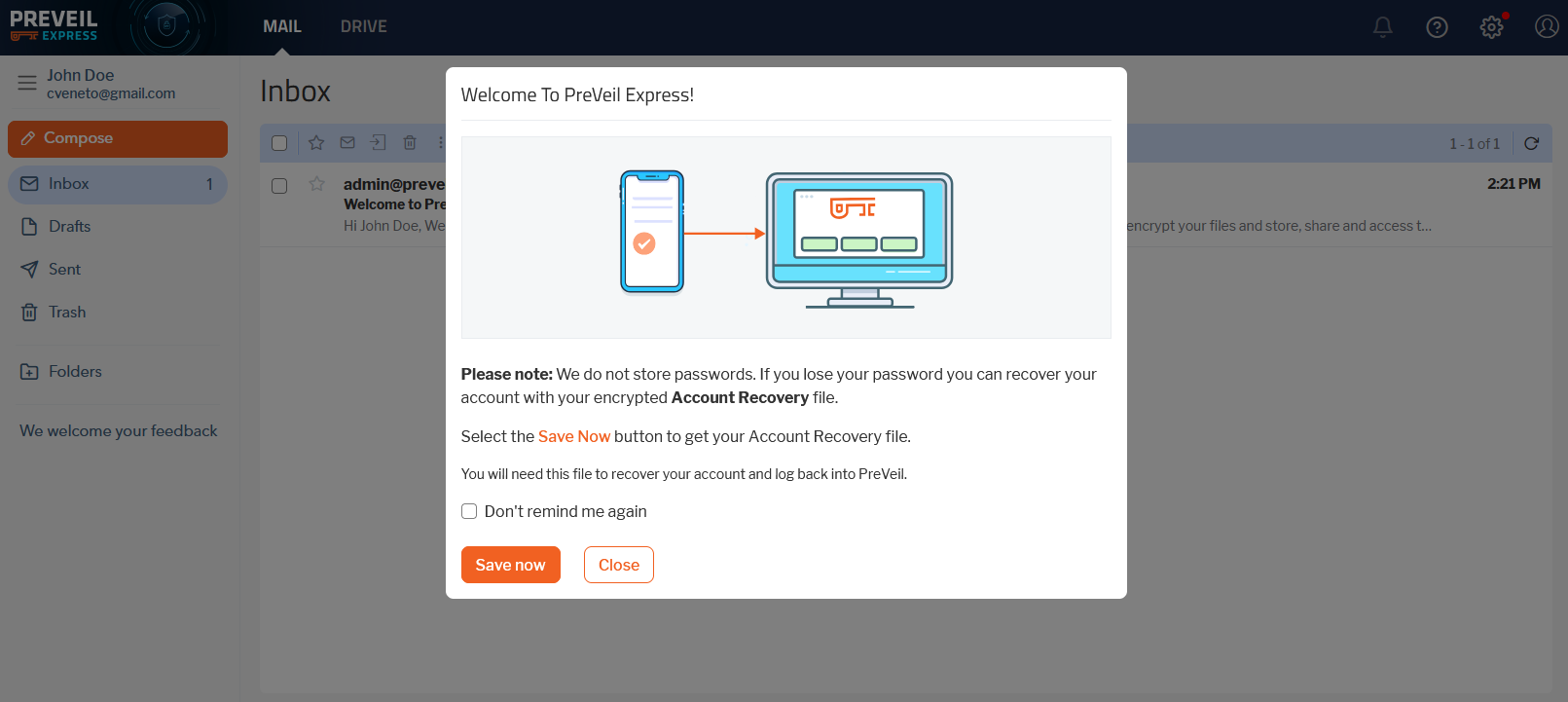
  9. You will get prompted to create a recovery file for your account. We strongly recommend doing so. This file will allow you recover your account password if you forget it, and PreVeil Support does not have access to users’ passwords and will not be able to recover it for you, if you do forget it and do not have a recovery file.image 11
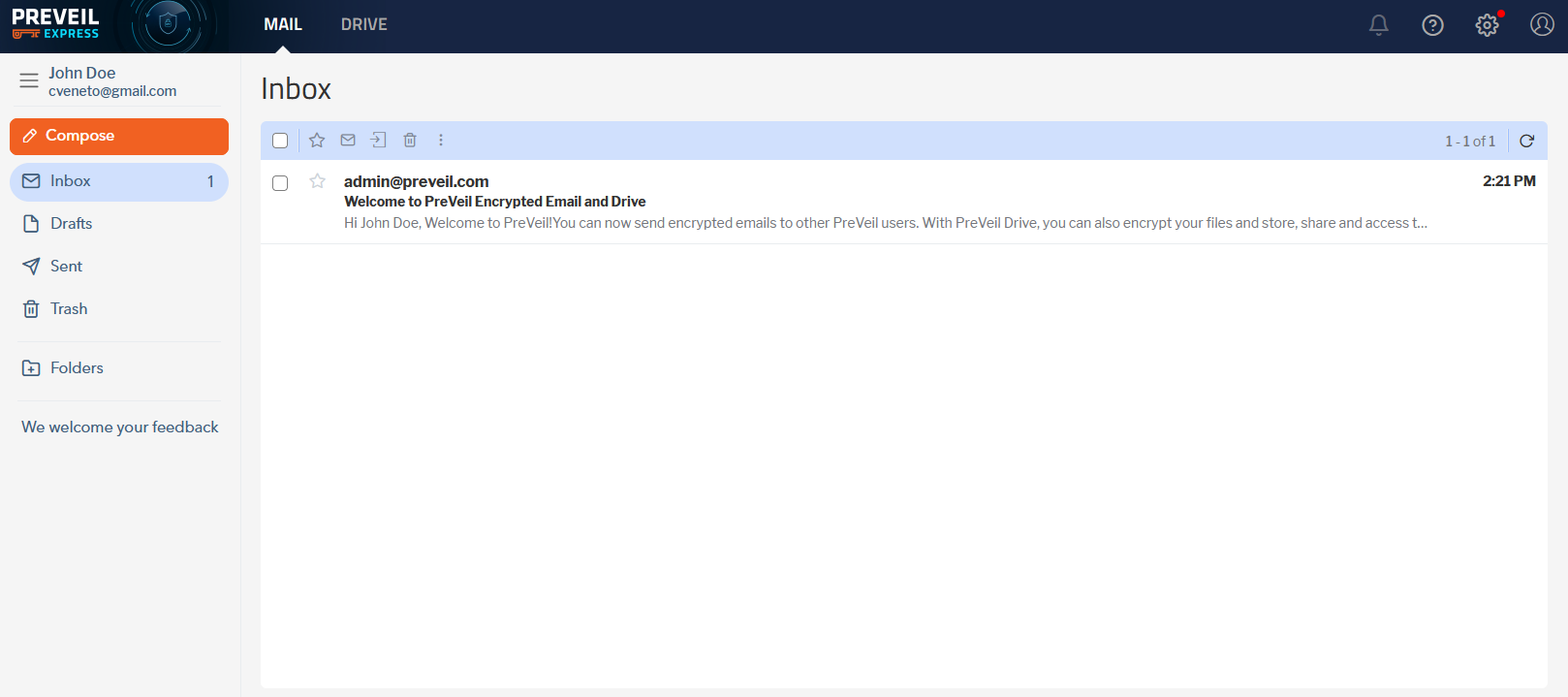
  10. The account is now activated. Click Mail for messages or Drive for files.image 12

Source: PreVeil Express – PreVeil knowledge base – Confluence


Discover more from EasyITGuys #

Subscribe to get the latest posts sent to your email.

What are your feelings