To get access to the accounting portal, please work with your account manager. They will be able to create a new accounting portal account and send you an invite.
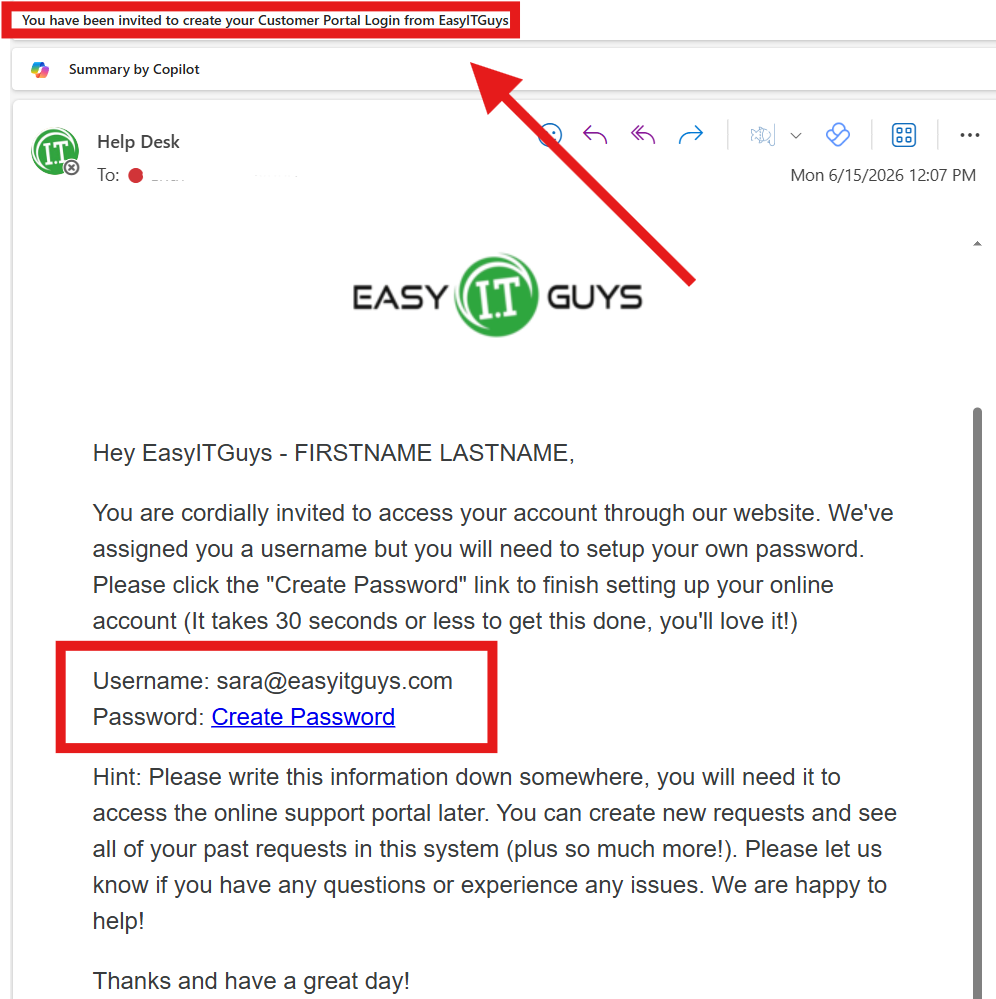
The invite email will have a subject line of ” You have been invited to create your Customer Portal Login from EasyITGuys”.
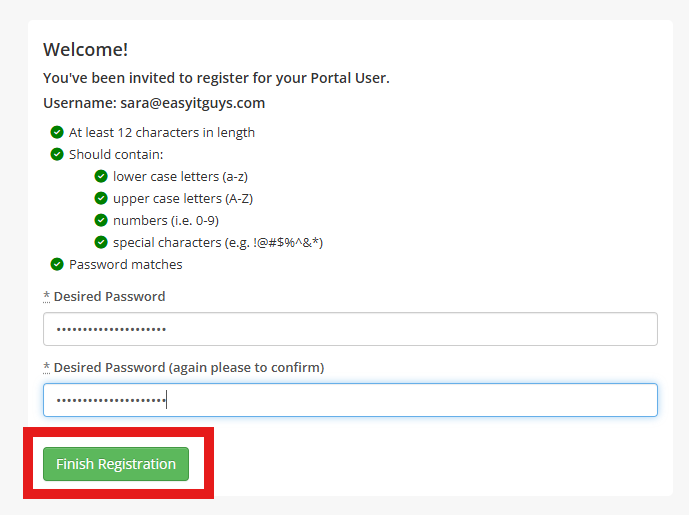
Click the “Create Password” link to finish creation of your account. Set your password and click the “Finish Registration” button. Save your password somewhere (in your secure password manager)